

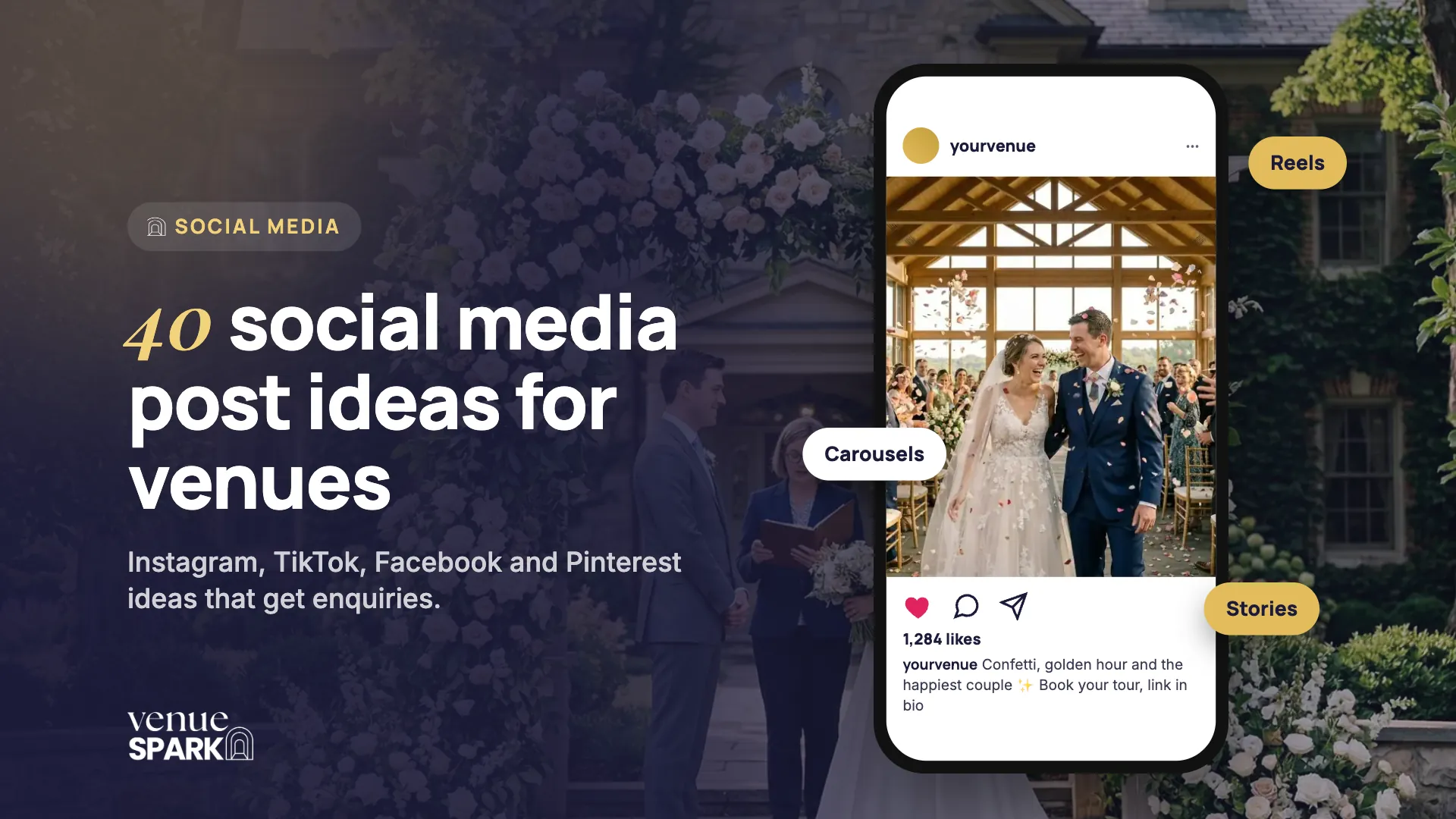
Couples use Instagram, TikTok and Pinterest to picture their wedding long before they book a tour. Your social media is often the first time they see your venue, and the place they come back to while they compare. But likes don't pay the bills. The goal is enquiries and tours.
Here are 40 wedding venue social media post ideas, grouped by theme so you never run out of things to share, plus what to post on each platform and a simple monthly plan.
Before you post: what your social media is for
Every post should do at least one of three jobs:
- Inspire: help couples imagine their day at your venue.
- Reassure: show the people, the reviews and the real weddings behind the photos.
- Prompt: give a clear next step, like downloading your brochure, booking a tour or registering for an open day.
Make that next step easy with a link in your bio straight to your brochure or tour booking page, not just your homepage.
Show off your venue
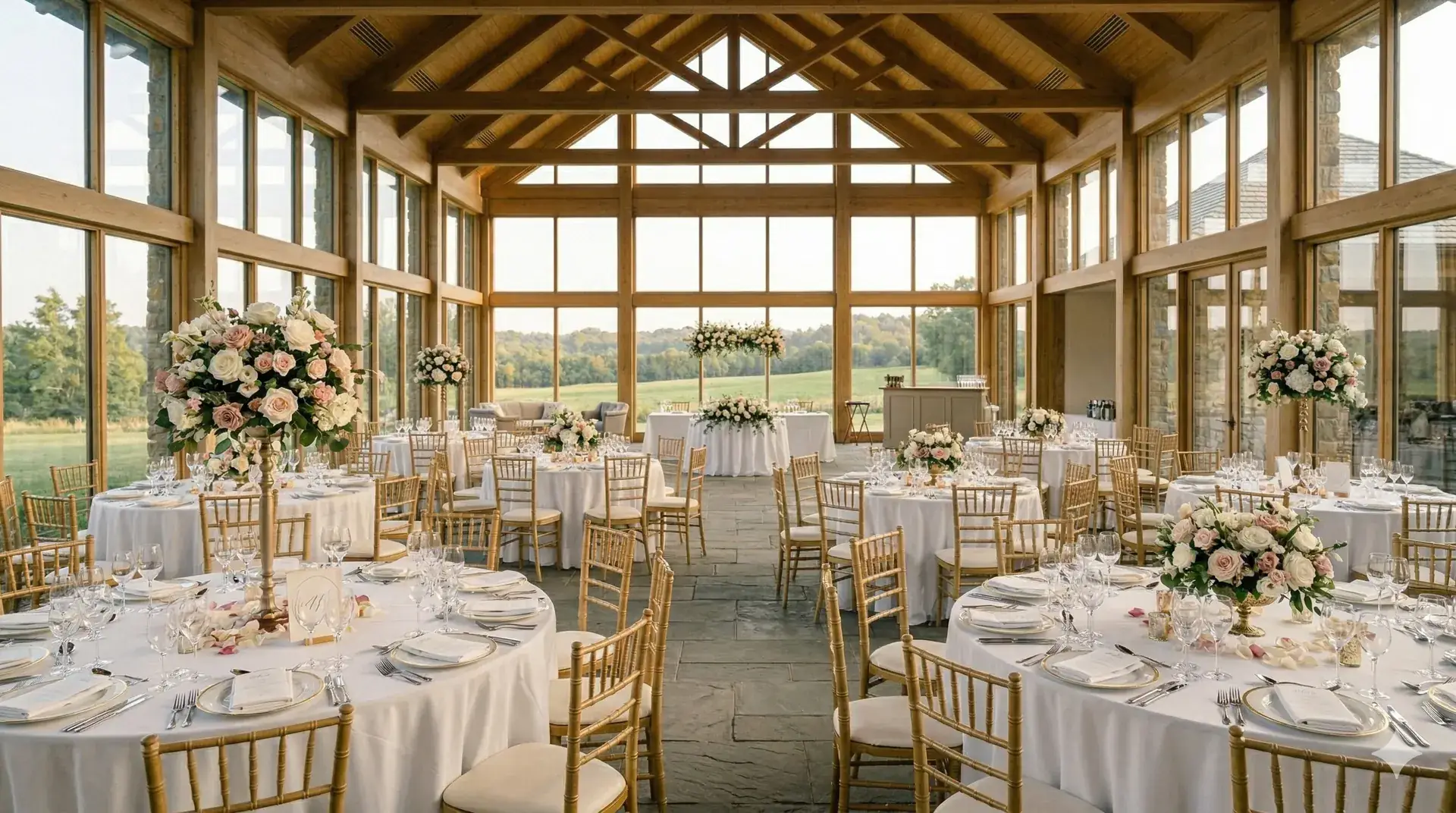
- 1. A golden-hour walkthrough. Film a slow walk through your venue at sunset. It's the light couples dream about.
- 2. The same spot in every season. Four photos or clips of one view in spring, summer, autumn and winter. Brilliant for selling off-peak dates.
- 3. Where everything happens. A carousel of ceremony, drinks reception, wedding breakfast and dance floor, so couples can picture the flow of the day.
- 4. An aerial reveal. Drone footage shows your grounds, setting and scale in a way photos can't.
- 5. The hidden photo spots. The corners couples miss on a tour but photographers love.
Share real weddings
- 6. A real wedding recap. A carousel of the best moments, crediting the photographer and suppliers.
- 7. The confetti moment. Short, joyful clips of confetti exits, first looks or the first dance (with the couple's permission).
- 8. Same venue, three styles. Show how three couples styled the same space completely differently.
- 9. A guest's-eye view. A point-of-view clip of the day, from arrival drinks to the last song.
- 10. The details. Tablescapes, florals, signage and cake. Pinterest gold.
Build trust with social proof
- 11. Review of the week. Turn a glowing review into a simple branded graphic.
- 12. A video testimonial. A short clip of a couple talking about their day. Authentic beats polished every time.
- 13. A quote over their photo. Pair a couple's words with their favourite picture.
- 14. What couples say about your team. Celebrate the people who make the day happen.
- 15. A one-year throwback. Mark a couple's first anniversary with a favourite moment from their day, and tag them.
Go behind the scenes
- 16. The big set-up. A time-lapse from empty room to fully styled reception.
- 17. Meet the team. Introduce your coordinator, chef or events manager, the people couples will actually work with.
- 18. A day in the life. Follow your wedding coordinator on a wedding day.
- 19. From the kitchen. Menu tastings, plating up and the dishes couples rave about.
- 20. The room flip. Show how you turn the ceremony space into the wedding breakfast in under an hour.
Help couples plan
- 21. What's included. A clear breakdown of what comes with your packages.
- 22. How many guests fit. Layout examples for 60, 100 and 150 guests.
- 23. A wedding day timeline. A typical day at your venue, hour by hour.
- 24. Questions to ask on a venue tour. Helpful, shareable and positions you as the expert.
- 25. A price guide. A simple “weddings from” post for peak and off-peak dates. Couples who know the numbers are more likely to book a tour.
Spotlight your suppliers
- 26. Supplier spotlight. Feature a florist, photographer or band, and tag them so they share it too.
- 27. A styled shoot. Collaborate with local suppliers on a themed shoot at your venue.
- 28. Your recommended suppliers. A carousel of trusted partners couples can book with confidence.
- 29. A supplier takeover. Let a supplier run your stories for a day.
- 30. A local area guide. Places for guests to stay, eat and explore nearby.
Promote dates and offers
- 31. A newly available date. Share a date that's just become free, with a clear call to book a tour.
- 32. An open day countdown. Build excitement for your next open day or showcase, with a link to register.
- 33. Weekday and winter weddings. Spotlight your off-peak packages and what makes them special.
- 34. Ask us anything. Use a question sticker in your stories and answer couples' questions on camera.
- 35. A brochure reminder. Show a few pages and invite couples to download the full brochure.
Join in with trends and have fun
- 36. A trending audio. Pair a popular sound with a venue clip, and keep it on brand: the 2025 Sprout Social Index found a third of consumers think it's embarrassing when brands jump on trends.
- 37. This or that. Polls like arch or aisle flowers, long tables or rounds. Easy engagement.
- 38. Just engaged? Engagement season peaks around Christmas and Valentine's Day, so welcome newly engaged couples with a warm post and a link to your brochure.
- 39. Myth-busting. Tackle the doubts couples have, like “Can we bring our own suppliers?” or “Is a winter wedding here cosy?”
- 40. Reshare couples and guests. With permission, share the stories and posts couples and their guests tag you in.
What to post on each platform
| Platform | Best for | Post ideas that work |
|---|---|---|
| Inspiration and trust | Reels of venue tours, real wedding carousels, reviews and stories | |
| TikTok | Discovery, especially for younger couples | Raw behind-the-scenes clips, trends, team personalities and myth-busting |
| Community, reviews and events | Open days, newly available dates, reviews and real weddings | |
| Long-term planning inspiration | Vertical pins of details, styling and spaces that link to your website |
A simple monthly social media plan
You don't need to post every day. A steady rhythm you can keep up beats bursts of activity followed by silence. Here's a plan that covers every theme in a month:
| Week | Main posts | Stories |
|---|---|---|
| Week 1 | A real wedding recap and a venue walkthrough | Behind the scenes of a set-up |
| Week 2 | A review graphic and a planning tip | Ask us anything |
| Week 3 | A supplier spotlight and a real wedding clip | A poll and a team introduction |
| Week 4 | A newly available date or open day and a trend video | A brochure reminder |
Turn followers into enquiries
- Make the next step obvious. Every post should point to your brochure, tour booking or open day.
- Reply to messages fast. Direct messages are enquiries too. Sprout Social found 73% of consumers would buy from a competitor if a brand doesn't respond on social. Bring them into the same inbox as your emails so none get missed. A wedding venue CRM can do this for you.
- Use real photos and video. Always with the couple's permission and the photographer's credit.
- Boost what works. When a post performs well, turn it into an ad.
- Track enquiries, not likes. Ask every couple how they found you and record it.
From posts to paid: when to use social media ads
Facebook and Messenger alone are used by 93% of UK online adults, according to Ofcom's Online Nation 2025 report. Organic posts keep your existing followers interested, but they rarely reach newly engaged couples who haven't heard of you yet. That's what social media ads for wedding venues are for: reaching couples in your area by location and life stage, and retargeting people who've already visited your website or viewed your brochure.
Plan on a minimum monthly ad budget of £1,000 / $1,000 and use your best-performing organic posts as a starting point for your ads. For the full process, read our guide on how to advertise your wedding venue.
Wedding venue social media FAQs
What should a wedding venue post on Instagram?
A mix of real weddings, venue walkthroughs, reviews, behind-the-scenes clips and planning tips. Reels and carousels tend to work best for showing off your spaces, and stories are great for questions, polls and newly available dates.
How often should a wedding venue post on social media?
Consistency matters more than volume. Choose a rhythm you can keep up, such as a few posts a week plus regular stories, and plan your content a month ahead so you never run dry.
How can my venue get more enquiries from social media?
Give every post a clear next step, reply to direct messages quickly, use real photos and video, and use social media ads to reach newly engaged couples in your area and retarget people who've already shown interest.
Should my wedding venue be on TikTok?
If you want to reach younger couples, it's worth testing. TikTok rewards authentic, behind-the-scenes content over polished adverts, so you don't need a big production budget to start.
Can I share couples' wedding photos on social media?
Only with the couple's permission and the photographer's credit. Ask at booking and again after the wedding, and agree how you'll credit their suppliers.
Next steps
Pick five ideas from this list and plan them into next month. If you'd rather have it done for you, our Venue Spark ONE Plus+ plan includes a ready-to-post monthly social plan alongside your ads. See our pricing or book a free strategy call.
Sources

Written by the Venue Spark teamBen and Hannah and their team work only with wedding venues, helping them get found, convert more tours and fill their calendars.
 Ready to grow?