

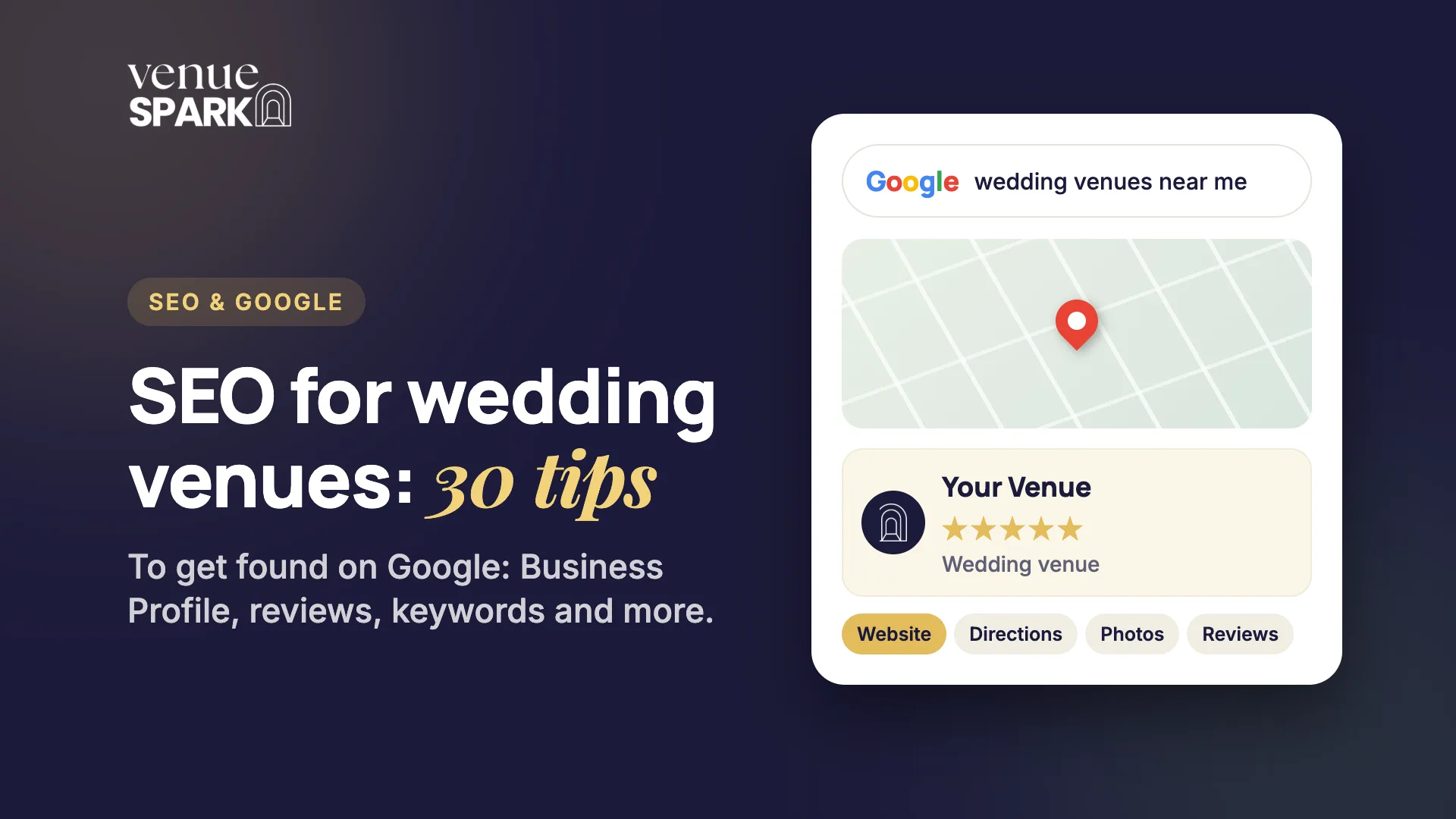
When a newly engaged couple starts looking for a venue, the first thing most of them do is search. “Wedding venues near me”. “Barn wedding venue in the Cotswolds”. “Country house wedding venue with accommodation”. If your venue doesn't show up, you're not on their shortlist, however beautiful it is.
SEO (search engine optimisation) is the work of making sure it does. This guide gives you 30 practical tips, in the order we'd tackle them: your Google Business Profile, reviews, keywords, Google Search Console, your own website and the rest of the web. You can do most of it yourself, and where it makes sense to get help, we say so.
Thirty tips is a lot, so here's where to start. If you only do three things this month, do these: complete your Google Business Profile (tips 1 to 6), ask every couple for a review (tips 7 to 11) and install Google Search Console (tip 16). Everything else builds on those.
Google Business Profile: your most important free listing
Your Google Business Profile is the listing that appears in Google Maps and in the map results at the top of searches like “wedding venues near me”. It's free, and for most venues it's the quickest way to get found.
1. Claim and verify your profile. Search for your venue name on Google while signed in, or go to business.google.com. Google will ask you to verify that you own the venue, usually by video, phone, email or postcard. Until you do, you can't control what couples see. While you're there, check there isn't a duplicate listing for the same venue.
2. Choose the right primary category. Your primary category is one of the strongest signals Google uses to decide what you are. Choose “Wedding venue”, and only add secondary categories that genuinely describe you.
3. Fill in every field. Add your opening hours, phone number, website, services and attributes. Write the business description (up to 750 characters) for couples: where you are, your style, how many guests you can host and what makes you different. Write it naturally, without stuffing it with keywords.
4. Add a tour-booking link. Point your website link at your homepage, and add an appointment link to the page where couples can book a tour or request your brochure. Make the next step obvious.
5. Upload great photos and video, and keep adding them. Show your ceremony space, reception rooms, grounds, accommodation and the small details, across the seasons. Real photos of real weddings beat anything staged. Adding new ones regularly keeps the profile active, and couples spend a lot of time looking at them.
6. Post updates and keep it fresh. Use Google Posts to share open days, new dates and seasonal updates, and check your hours before bank holidays. A profile that's clearly looked after builds trust with couples and with Google.
Reviews: the trust signal couples and Google look for
Couples check your star rating and read a handful of reviews before they ever visit your website. Reviews also influence how prominently you appear in local results, so they do two jobs at once.
They matter beyond Google Maps too. In Semrush's June 2026 AI SEO study of 481 marketers, SEO professionals and business owners, only 9% said they manage online reviews as part of their AI search work, even though the study notes that the way AI tools describe a business is built from sources that include third-party reviews. That makes reviews an easy edge for venues that take them seriously.
7. Ask every couple, every time. Most happy couples won't leave a review unless they're asked. Make asking a routine step after the wedding, when they're still glowing about the day.
8. Make it as easy as possible. In your Google Business Profile dashboard you can copy a direct link to your review form. Send that link by text, email or WhatsApp, and put it behind a QR code on a thank-you card or in the bridal suite. The fewer taps it takes, the more reviews you'll get.
9. Automate it. Remembering to ask is where most venues fall down. Venue Spark's CRM does it for you: it automatically asks couples for a Google review after their wedding, so every couple is asked without anyone on your team having to remember.
10. Reply to every review. Thank people by name and mention something specific about their day. If a review is critical, reply calmly and professionally, and offer to talk it through offline. Future couples read your replies as closely as the reviews themselves.
11. Play by Google's rules. Never buy reviews, offer discounts or gifts in exchange for them, or only ask the couples you expect to be positive (known as review gating). Don't write reviews for your own venue either. Google can remove reviews and even suspend profiles that break the rules.
Keywords: know how couples actually search
Keywords are the words and phrases couples type into Google. Get them right and the rest of your SEO has something to aim at.
12. Think like a couple, not a venue. Couples search for a type of venue, a place and a feeling: “barn wedding venues Yorkshire”, “country house wedding venue with accommodation”, “small wedding venue near me”. Write a list in their words, not yours.
13. Use real data, not guesses. Google Search Console shows the searches you already appear for. Google's autocomplete suggestions and “People also ask” boxes show what couples are curious about, and Google Keyword Planner (free with a Google Ads account) shows how often phrases are searched.
14. Combine venue type with location. The pattern that wins is type plus place: “wedding venue Cheshire”, “barn wedding venue near Chester”. Include the nearby towns and counties couples search from, as long as it reads naturally.
15. Give every page one main keyword, and answer the question behind it. Map your keywords to pages: your homepage for “wedding venue in [your area]”, your accommodation page for “wedding venue with accommodation in [your area]”, and so on. Avoid two pages chasing the same phrase, because they compete with each other. Write for people first.
Google Search Console: the free tool every venue should install
Google Search Console is Google's free dashboard for your website. It shows which searches bring people to you, which of your pages Google has found, and any problems that stop you appearing. If you do one technical thing from this guide, make it this.
16. Install it. It takes about ten minutes, and whoever looks after your website can do it for you:
- Go to Google Search Console and sign in with the Google account you want to own it.
- Click Add property and choose Domain. This covers every version of your site (with and without www, http and https).
- Google gives you a TXT record to add to your domain's DNS settings at your domain registrar. Add it, then click Verify. If you can't edit DNS, choose URL prefix instead and verify with an HTML file, a meta tag, Google Analytics or Google Tag Manager.
- Add anyone else who needs access under Settings, Users and permissions.
17. Submit your sitemap and check your indexing. Open Sitemaps, enter the address of your sitemap (usually yoursite.com/sitemap.xml) and submit it. Then check the Pages report for pages Google hasn't indexed, and fix any that should be there. You can also import your setup into Bing Webmaster Tools to cover Bing in one go.
18. Check it monthly. The Performance report shows the searches, pages, clicks and positions that matter. Look for pages stuck on the second page of Google, because a small improvement can lift them onto the first, and watch for sudden drops or new errors.
On-site SEO: make every page easy to find and easy to love
On-site SEO is everything you do on your own website. It's also where you have the most control.
19. Write a clear title tag and meta description for every page. The title tag is the blue headline in Google's results. Include your main keyword, your location and your name, for example “Barn wedding venue in Cheshire | Your Venue”, and keep it to around 60 characters. The meta description (around 155 characters) is your chance to give couples a reason to click.
20. Use one H1 and clear headings. Each page needs a single H1 that says what the page is about, with H2 headings that break it into sections in plain language. It helps couples scan the page and helps Google understand it.
21. Create a dedicated page for each thing couples search for. Ceremony spaces, reception rooms, accommodation, packages and pricing, FAQs, real weddings, and the seasons or styles you specialise in. One page per topic beats one long homepage, and linking between those pages helps both couples and Google find their way around.
22. Show your reviews and real weddings. Quote your best Google reviews (with permission, where you name people), add a testimonials page and publish real wedding galleries. It builds trust with couples and keeps your content fresh.
23. Make it fast and mobile-friendly. Most couples search on their phones, and a slow or clumsy site loses them quickly. Compress your images, avoid heavy sliders and auto-playing video, and test your pages with Google's free PageSpeed Insights.
24. Optimise your images. Resize and compress every photo, give each file a descriptive name, and add alt text that describes the picture, for example “Outdoor ceremony in the walled garden at Your Venue”. It helps accessibility and image search.
25. Add structured data and an FAQ section. Structured data (schema markup) tells Google and AI tools your venue's name, address, reviews and details in a format they can read easily. An FAQ page that answers real questions, such as capacity, accommodation, pricing, dogs and music curfews, gives search engines and AI assistants clear answers to quote.
Off-site SEO: build trust beyond your own website
Google also looks at what the rest of the web says about you. Links from other trusted websites, and consistent listings, tell it you're a real, established venue.
26. Keep your name, address and phone number consistent. Use exactly the same details on your website, Google Business Profile, directories and social profiles. Inconsistencies confuse search engines and couples alike.
27. List your venue in the right directories. Claim your listings on the main wedding directories, plus local business and county tourism directories. Quality beats quantity: a few good listings that link back to your website are worth more than dozens of poor ones.
28. Ask your suppliers for links and features. Photographers, florists, caterers, celebrants and planners often blog about weddings at your venue. Ask them to link to your website, and do the same for them on your preferred suppliers page.
29. Get local and be newsworthy. Local press, your chamber of commerce, tourism boards, community events, awards and wedding shows can all earn you a mention or a link. Never buy links or join link schemes, because Google can penalise your site for it.
A website built for SEO
30. Build your website on SEO foundations. Most of the tips above are much harder if the website underneath is slow, hard to edit or badly structured. A website built for SEO loads quickly, works beautifully on a phone, has clean page structures and addresses, lets you edit titles, headings and content easily, includes structured data, and has a clear page for everything couples search for with obvious ways to book a tour.
That's exactly what our venue web design service builds: websites designed to turn visitors into tour bookings, with SEO built in from day one. And if you'd rather have someone run the rest of this list for you, our SEO and AI optimisation service covers it, including getting your venue found in AI search tools as well as Google.
Frequently asked questions
How long does SEO take to work for a wedding venue?
SEO is a months-long job, not a weeks-long one. Quick wins such as completing your Google Business Profile and collecting more reviews can show results sooner, while ranking your website for competitive searches usually takes longer. Steady, consistent work beats a one-off burst.
Is a Google Business Profile free?
Yes. It's free to claim, complete and use, and it's one of the most valuable free marketing tools a wedding venue has.
How many Google reviews does a wedding venue need?
There's no magic number. What matters is a steady flow of recent, genuine reviews that couples can read, with a thoughtful reply to each one. The simplest way to get there is to ask every couple after their wedding.
Can I do SEO myself, or should I hire someone?
You can do a lot yourself with this guide, especially your Google Business Profile, reviews and Search Console. A specialist helps most with technical SEO, your website structure and ongoing content, and saves you time. We work only with wedding venues, so get in touch if you'd like help.
Want us to take this off your plate? Book a free strategy call and we'll look at how your venue shows up on Google today, and what would make the biggest difference.

Written by the Venue Spark teamBen and Hannah and their team work only with wedding venues, helping them get found, convert more tours and fill their calendars.
 Ready to grow?